
After ShadowCoach, I wanted more. The pronunciation tool was fine, but it only covered one part of learning: the mechanical side of repeating sounds. What I really wanted was to practice real conversation. To have someone — or something — to talk to, that would understand me, respond to me, and do it in English without relying on an internet connection.
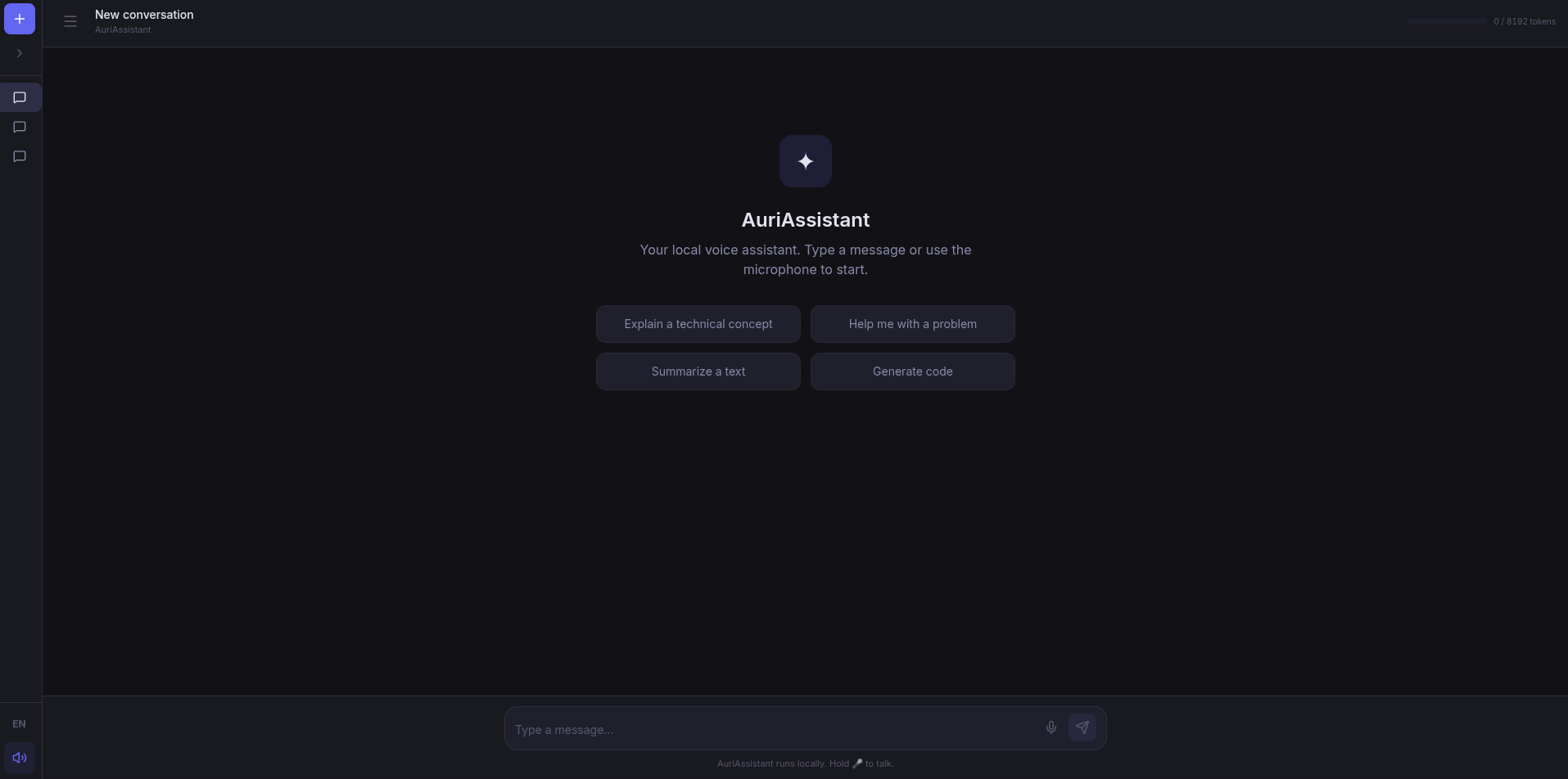
There were options, of course. ChatGPT, Google Assistant, all the usual suspects. But for English practice I wanted something specific: the ability to swap models depending on what I needed, pick whatever voice I felt like, and above all, have everything run on my machine without sending my microphone to any server. And since I’m an engineer, I wanted to build it myself to understand how all the pieces fit together.
The journey starts with a microphone button
The original idea was simple: a chat you could talk to. Nothing more. Press a button, speak, the AI understands you and responds with voice. Like a walkie-talkie with a brain inside.
The flow is what you’d expect:
- Hold a button and speak
- The audio gets transcribed with Whisper (local, GPU-accelerated)
- The text goes to a language model (LLaMA, Qwen, whatever you have loaded)
- The response is synthesized to speech with Kokoro and you hear it
Sounds simple, and conceptually it is. The work was in making those four pieces work together without breaking anything, in real-time, all inside Docker.
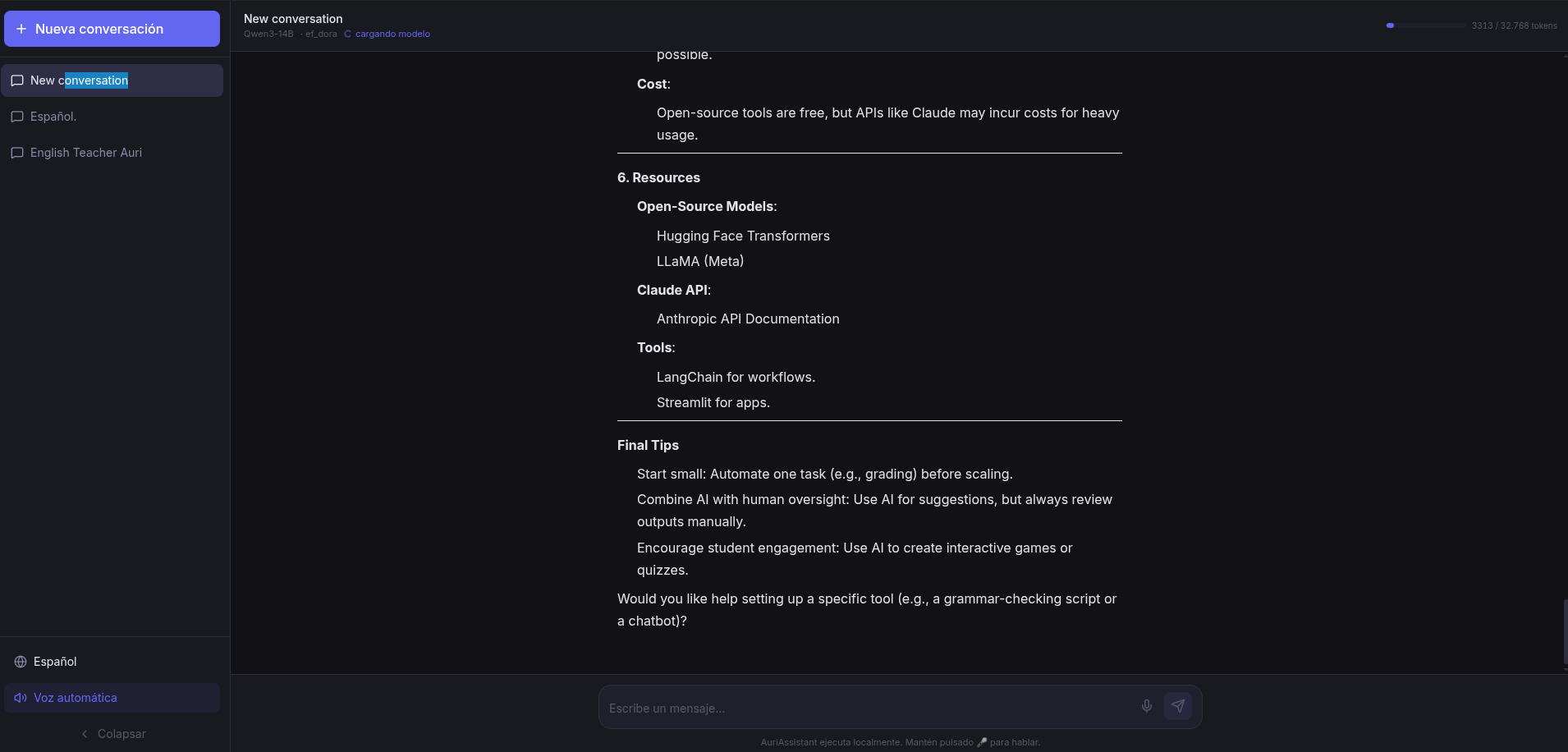
From English practice to multi-purpose assistant
The fun part came when I started using it. The initial version was focused on English: fixed system prompt, American English voices, everything designed for practice. But as soon as I got it working, I realized I had built something bigger.
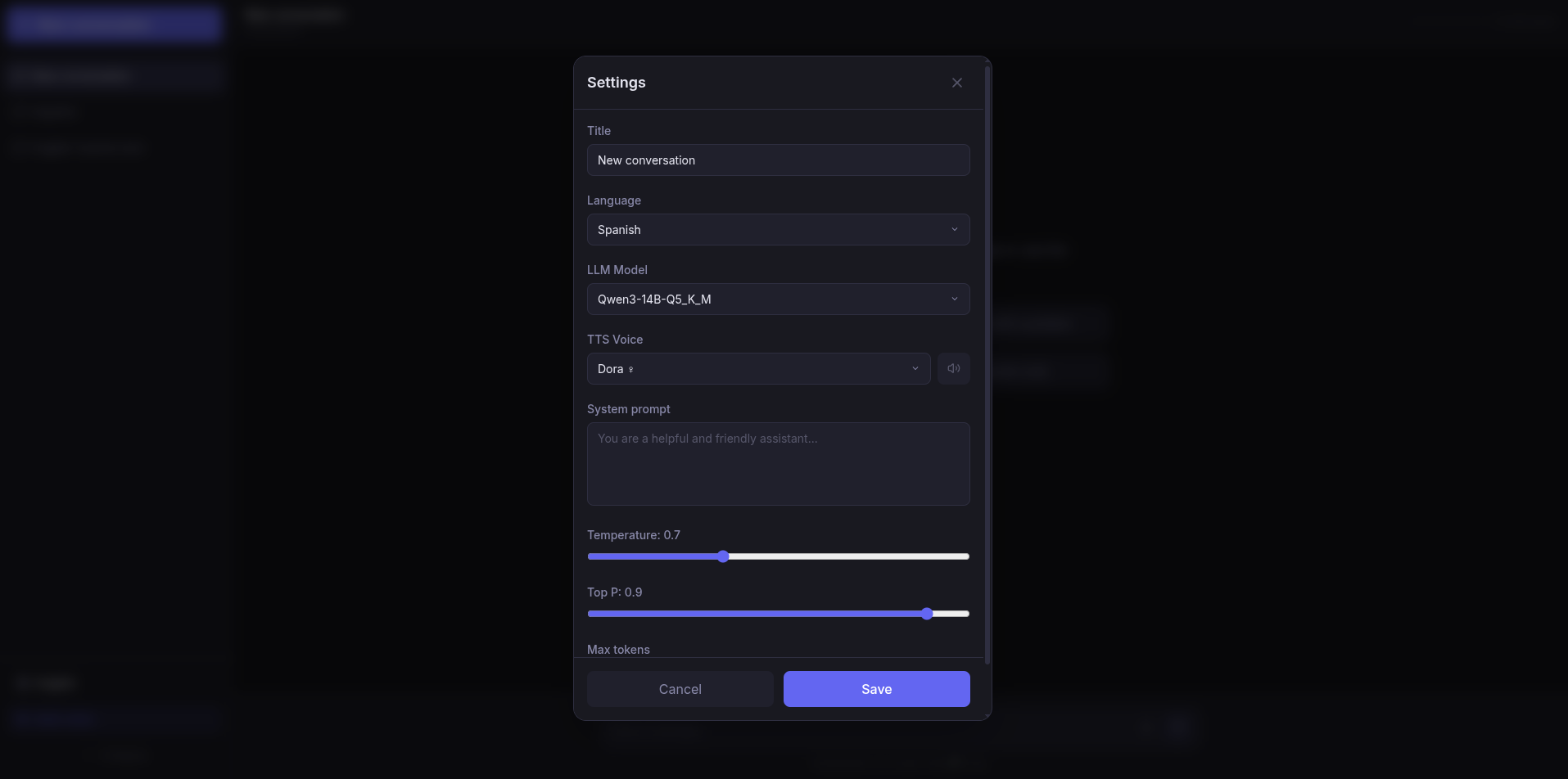
If I changed the system prompt, the assistant became something else. A Python expert. A proofreader. A brainstorming partner. A history teacher. Any role I could come up with. And if I changed the voice, it sounded different. And if I changed the model, it thought differently.
What started as “an app to practice English” became “a platform of configurable assistants.” Each conversation has its own prompt, its own model, its own voice, its own temperature. It’s like having an army of personal bots, each specialized in something, all running locally.
How it’s built
The architecture is a bit more serious than ShadowCoach. Here there are five services orchestrated with Docker Compose:
- Frontend: React 19 with Vite and Tailwind. Nothing visually flashy, but functional. Markdown rendering, context indicator, model and voice selectors.
- Backend: FastAPI with async SQLAlchemy. Orchestrates everything: receives messages, sends them to the right model, manages conversations, history, context compaction… It’s the operational brain.
- LLM: llama-cpp-python on a single GPU. Loads one GGUF model at a time and serves it with an OpenAI-compatible API. Dynamic model swapping: hot-swap a model in 2-5 seconds.
- STT: whisper.cpp compiled to C++. Not a single line of Python. Just a binary that transcribes audio at blazing speed.
- TTS: Kokoro with PyTorch. Natural voices, 50 different voices, 8 languages. Some of the best local TTS I’ve seen.
The best part is everything runs offline. No calls to OpenAI, no API keys, no data leaving your home. It’s truly yours.
The technical part I enjoyed the most
What I enjoyed most was setting up WebSocket streaming. When you send a message, the backend opens a WebSocket, sends the request to the LLM, and as tokens come out, it forwards them to the frontend in real-time. You see the response word by word, as if you were chatting with someone on the other end.
The frontend also parses
Another cool feature is conversation compaction. When the context fills up, you can ask the LLM itself to summarize everything said so far. That summary gets saved as a system message and the previous history is cleared. It’s like wiping the whiteboard without losing what matters.
What I’m taking away
This project confirmed something I already suspected: building your own tools is one of the best ways to learn. Not just about the technology itself — Docker, FastAPI, WebSockets, language models — but about how to design systems that actually work for what you need.
The app started as one thing and ended up as something very different, and that’s fine. Sometimes the best product is the one that evolves as you use it and discover what you really need.
And along the way, I now have an assistant that helps me with English, with code, with writing, and with whatever I can think of. All local, all mine.
The code is on GitHub under the MIT license. You’ll need Docker, an NVIDIA GPU with at least 8 GB of VRAM, and a willingness to tinker.